Page
greenshot000086.png_linkquick_view greenshot000092.png_linkcontactsgreenshot000088.png_linkfinancialgreenshot000089.png_linkapprovalgreenshot000090.png_linkcompany_images_and_documents
Contacts are the employees of Companies. They have the ability to log in and order, and you can give them more power. Often times contacts must approve orders before it they are Released to Production, and sometimes contacts can even edit customer websites.
The Contacts tab is sort of a page within a page.
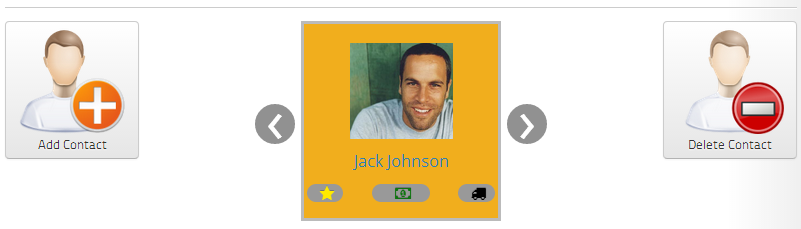
You add Contacts or choose which one to edit at the top of the page.
greenshot000096.png_linkcontactsgreenshot000097.png_linkcontact_images_and_documentsgreenshot000101.png_linkcontact_permissionsgreenshot000102.png_linkcontact_notifications
Then, you have four different tabs, Information, Images and Documents, Permissions, and Notifications.
The permissions tab is where you decide exactly how much you want the contact to be able to do.
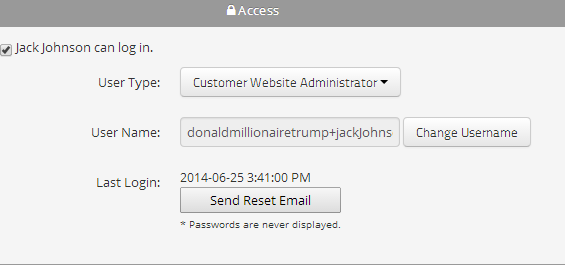
The user name must be an email. There is no place for a password for security because members of your business can see this page as well as any Website or Website group administrators. A password will be sent to the username, and you have the ability to send a reset from this page.
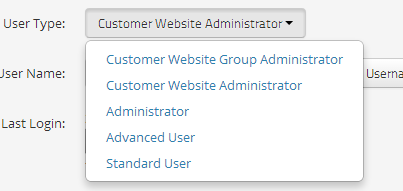
The big question is how much do you want them to be able to do. The most common difference we see is some contacts can approve orders and some can't, they can only place orders. Approval settings are managed later on, in the Approval tab, but a general rule of them is to make anyone who needs to approve orders a website administrator, and everyone else a standard user. See security_roles for more information on the permissions that apply to different security roles.
The settings page for an Administrator looks like this
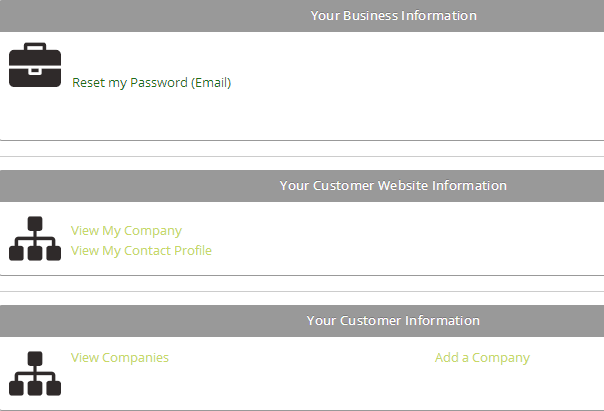
And the settings page for a standard user looks like this